File Types & Color Models · Page 1 of 6
How do you choose the right file?
The answer is simple: know your file types and color models.
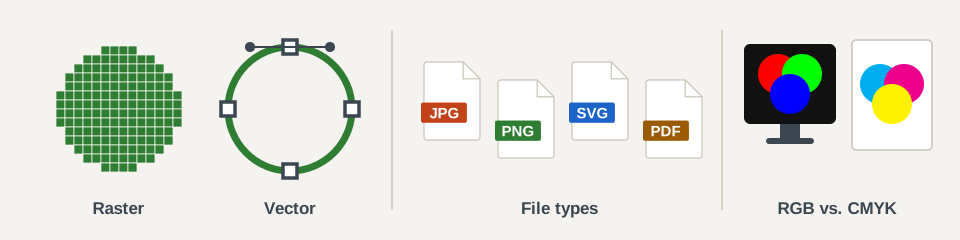
Choose the right file type, resolution and color model so your work looks its best at a sensible file size.
By the end of this lesson you can
- Tell raster images from vector graphics, and know which programs make each.
- Pick the right resolution for screen or print, and know when to use Image Size or Canvas Size.
- Choose a file type based on compression, transparency and where the file will be used.
- Use RGB for work seen on screens and CMYK for work that will be printed.
In this lesson

Raster vs. vector
Pixels or paths, and which programs make each.

Resolution
Screen vs. print resolution, and Image Size vs. Canvas Size in Photoshop.

File compression and file types
Lossless vs. lossy, and a quick guide to JPG, GIF, PNG, TIFF, PDF, EPS and SVG.

Color models
RGB for screens and CMYK for print.

Test your knowledge
Six quick practice exercises. They are not graded.
© Created by Sara Rosenstock, Marietta College Graphic Design.