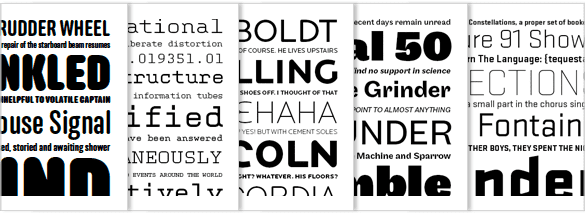
Web Font Services
Most type foundries won’t license their typefaces to be used on the web because there is no openly supported closed font file type. Each service seems to have a different take on how to deliver type on the web and how to charge for it.
- Select a font from Google Fonts you’d like to apply to your website and follow the instructions listed below your font preview by selecting the “Quick Use” button.
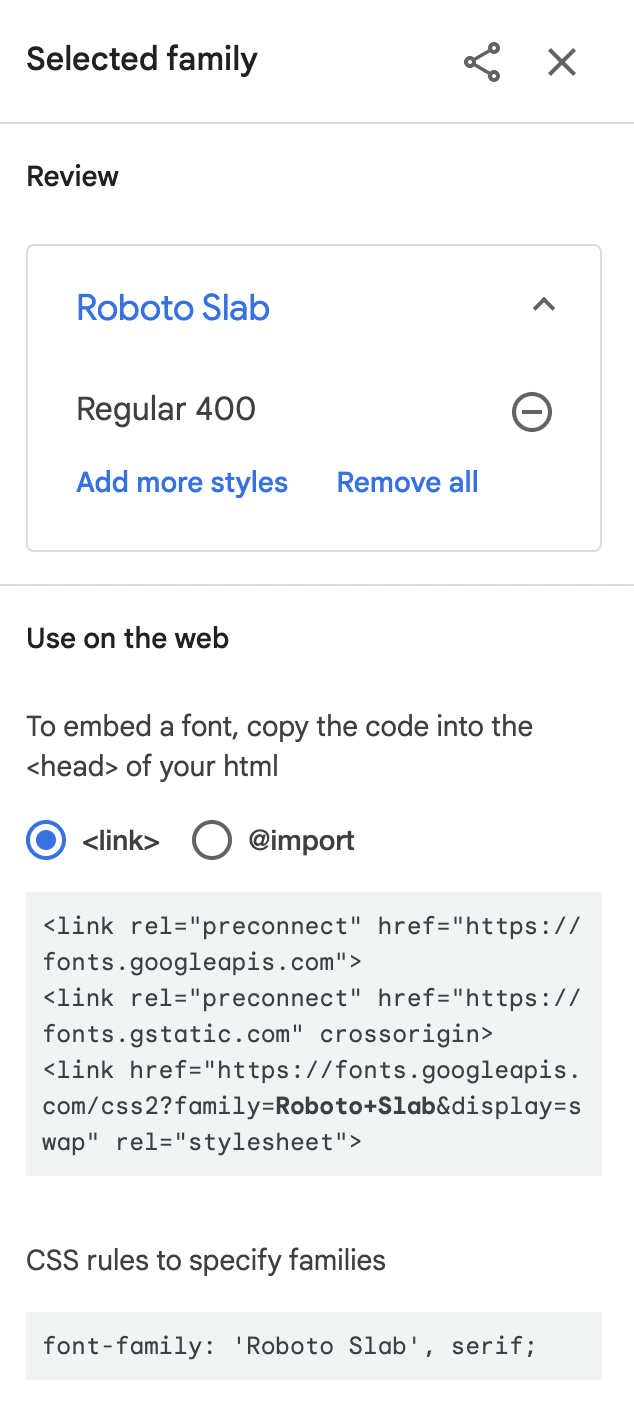
For demonstration, I chose Roboto Regular, you may change the font after you successfully apply this external font.
- Add this code within the <head> tag
<link rel="preconnect" href="https://fonts.googleapis.com"> <link rel="preconnect" href="https://fonts.gstatic.com" crossorigin> <link href="https://fonts.googleapis.com/css2?family=Roboto+Slab&display=swap" rel="stylesheet"> - Declare the font in your CSS File: In order for the code to work, you need to specify the font in your CSS file in the "font-family" property. Learn more at CSS Explained.
- Add this code for each html page. Save your files.
Use Google Fonts

If you want to learn more about Google Fonts and implementing it, check out this resource: https://developers.google.com/fonts/docs/css2