Adding links
An External link is one that prompts the user to open a webpage that is not part of your website.
An Internal link is one that prompts the user to open a webpage that is part of your website.
To add a linkthat opens the link and replaces the existing page
To add a linkthat opens the link as a new page
To add a linkfor an image file
Text Link Example
<!--This code prompts the link to open in a NEW pafe in the browser-->
<a href="http://color-wheel-artist.com/primary-colors.html" target="_blank">color-wheel-artist.com</a>

<!--This code prompts the link to the HTML file to REPLACES the current page in the browser-->
<a href="gallery_1.html" title="Gallery Page #1" target="_self">Page Name #1 Link</a>

<!--This code prompts the IMAGE file to be a link-->
<a href="page.html" title="Page Title" target="_self"><img src="image.png" width="180" height="180" alt=""/></a>
JavaScript
JavaScript is one of the 3 languages all web developers must learn:
- HTML to define the content of web pages
- CSS to specify the layout of web pages
- JavaScript to program the behavior of web pages
- Show or hide more information with the click of a button
- Change the color of a button when the mouse hovers over it
- Slide through a carousel of images on the homepage
- Zooming in or zooming out on an image
- Displaying a timer or count-down on a website
- Playing audio and video in a web page
- Displaying animations
- Using a drop-down hamburger menu
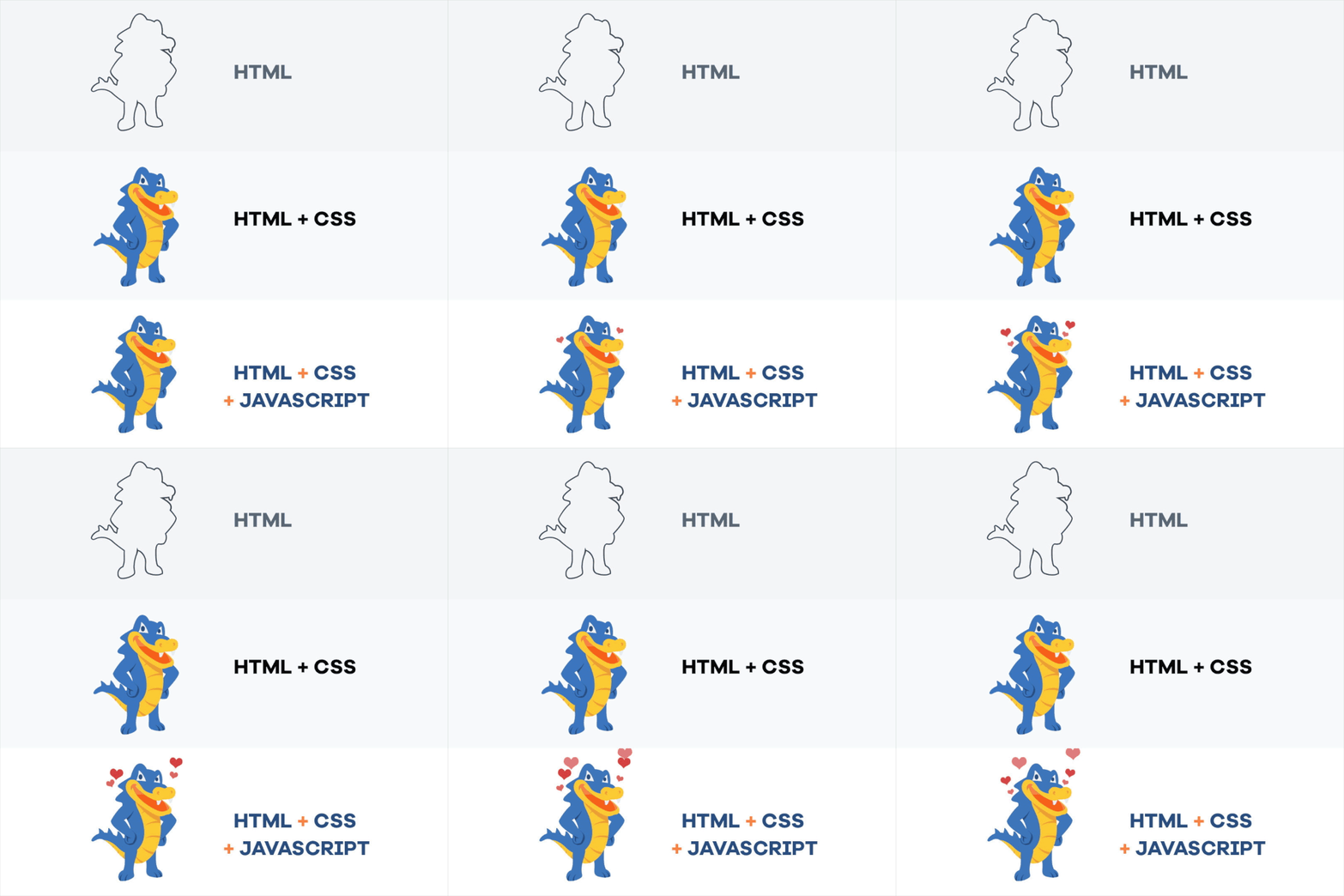
Adds interactive behavior to web pages
JavaScript allows users to interact with web pages. There are almost no limits to the things you can do with JavaScript on a web page – these are just a few examples:
Learn how to create a Gallery Page by visiting that section.

Special Characters
Some characters require a different HTML tag called a Symbol Entity Names (i.e. “&” instead of just “&”).
To learn more Symbol Entity Names, visit: W3Schools